HomeSoftware overviewAICA Data International
Software
–
AICA Data International

SmartCapture – Field Product Data Capture

SmartCapture – Field Product Data Capture

Mobile data capture
Product Master Data


Up to 90% of asset data on the plant floor never reaches a system. Worn nameplates, rusted tags, paper manuals and undocumented spares leave storerooms holding stock nobody can identify, and maintenance teams buying parts they already own.
SmartCapture turns photos, barcodes, voice notes and documents captured on site into structured, governed product master data, from the field to the ERP on the same day.
Capture
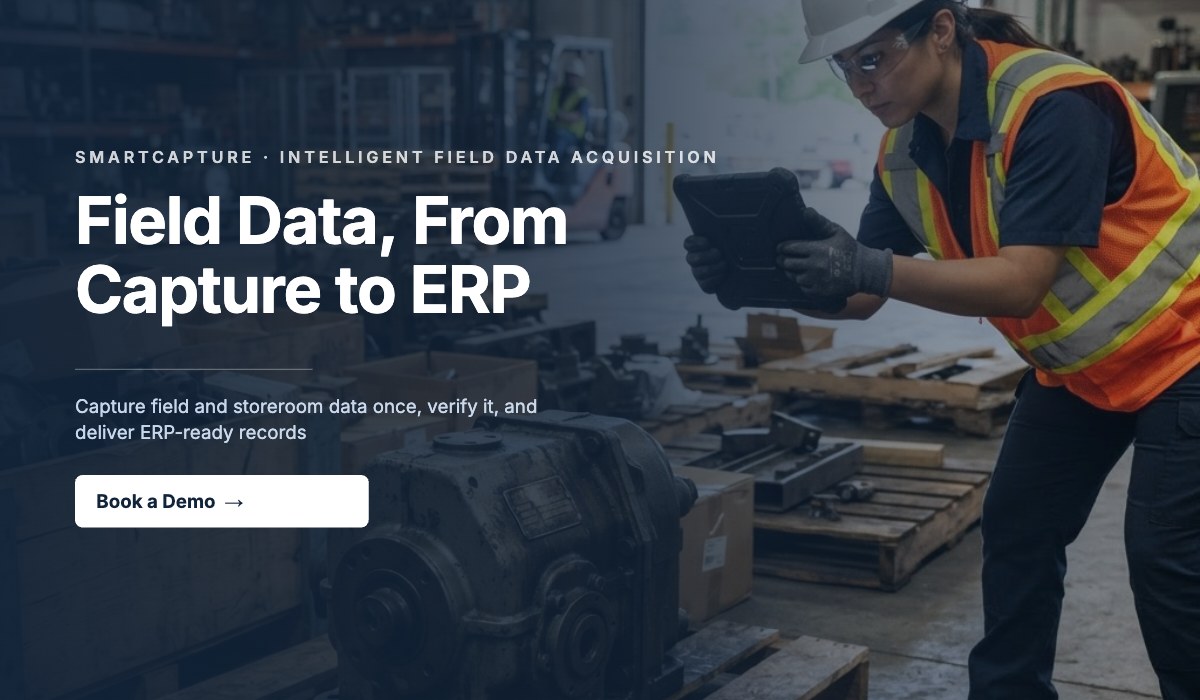
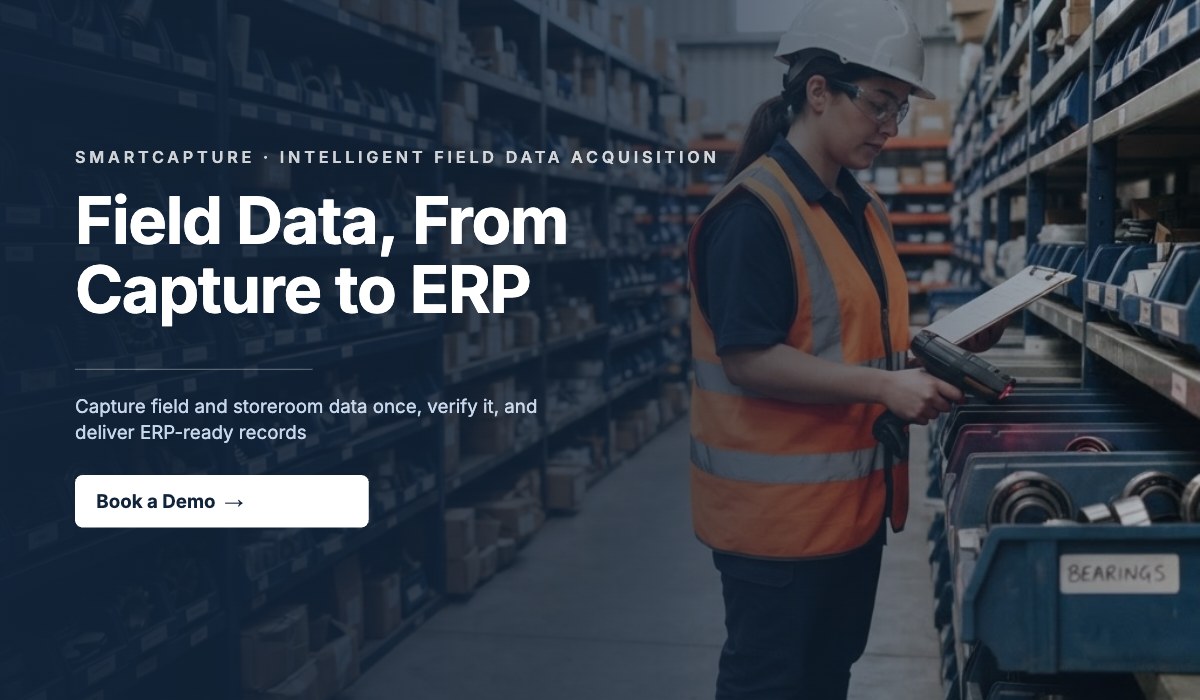
Technicians photograph nameplates, scan barcodes, capture worn or embossed tags by voice, or upload manuals, P&IDs and SPIR forms from any mobile device. Multi-angle reconstruction recovers partly visible text that single-image OCR misses.
Structure and classify
Multi-agent AI extracts specifications, part numbers, material grades, compliance flags and maintenance schedules, then validates each record against your Product Data Dictionary and classifies it to standards such as UNSPSC and GS1 GPC through the Atlas engine.
Translate
Automatic language and script detection across 62 languages and 140+ BCP 47 regional variants, with right-to-left support and controlled terminology, so a record captured in one plant reads correctly in every other.
Govern and publish
Records above 95% confidence publish directly; mid-confidence records route to steward review; low-confidence records are flagged rather than guessed. Approved records export to ERP, EAM, PIM or MDM with a full provenance audit trail, reaching 98%+ data completeness.
Self-service and full-service APIs with TLS 1.3 and OAuth 2.0. Cyber Essentials certified, AWS-hosted, ISO 8000 aligned.
Start a free plant walk-down, or create a free account.


‍Gallery

More about

SmartCapture – Field Product Data Capture

For more information on
SmartCapture – Field Product Data Capture
you are welcome to contact us free of charge and without obligation at
Isak
Marais
from
AICA Data International
record.
Isak
Marais
CEO

Willkommen auf dem Profil von AICA Data International! Bei Fragen zu unseren Leistungen und Angeboten stehe ich gerne zur Verfügung.

Welcome to the profile of AICA Data International! If you have any questions about our services and offers, please do not hesitate to contact me.

1. Basic Information

Translate manually?
Generate automatic translation?


Translate manually?
Up to 90% of asset data on the plant floor never reaches a system. Worn nameplates, rusted tags, paper manuals and undocumented spares leave storerooms holding stock nobody can identify, and maintenance teams buying parts they already own.
SmartCapture turns photos, barcodes, voice notes and documents captured on site into structured, governed product master data, from the field to the ERP on the same day.
Capture
Technicians photograph nameplates, scan barcodes, capture worn or embossed tags by voice, or upload manuals, P&IDs and SPIR forms from any mobile device. Multi-angle reconstruction recovers partly visible text that single-image OCR misses.
Structure and classify
Multi-agent AI extracts specifications, part numbers, material grades, compliance flags and maintenance schedules, then validates each record against your Product Data Dictionary and classifies it to standards such as UNSPSC and GS1 GPC through the Atlas engine.
Translate
Automatic language and script detection across 62 languages and 140+ BCP 47 regional variants, with right-to-left support and controlled terminology, so a record captured in one plant reads correctly in every other.
Govern and publish
Records above 95% confidence publish directly; mid-confidence records route to steward review; low-confidence records are flagged rather than guessed. Approved records export to ERP, EAM, PIM or MDM with a full provenance audit trail, reaching 98%+ data completeness.
Self-service and full-service APIs with TLS 1.3 and OAuth 2.0. Cyber Essentials certified, AWS-hosted, ISO 8000 aligned.
Start a free plant walk-down, or create a free account.


Generate automatic translation?

2. Quick Facts

Select category(ies)
Select industry(ies)
Select language(s)

3. Media

The image is too large. Please upload an image with maximum 2400 x 2400 pixels and 3 MB. You can find the recommended dimensions on the ? symbol.
uploading
fileuploaded.jpg
Upload failed. Max size for files is 10 MB.

4. External Link

Update software
This is some text inside of a div block.
Successful! You will be redirected immediately...
Error: Your submission could not be processed due to our automatic spam detection. We sincerely apologize and would ask you to contact us via the chat at the bottom right so that we can correct this error.